Desk setup gear for people who work at one all day.
Desks, chairs, monitors and stands, keyboards, lighting, and organization — shortlisted for remote and office workers, with one checked pick per category and a clearly labelled browse for everything else.
Shop by category
Seven categories, each with a short buying guide, one pick whose Amazon page was checked live, and a full category browse. This page shows no prices or ratings — those change, so every link opens Amazon for the current details.
Desks
The desk decides everything else: how many screens fit, where the chair goes, and whether cables reach. Measure your space first, then pick the top size — depth matters as much as width once a monitor arm and keyboard are on it.
- Desktop size: 48 inches wide suits one screen; 60 inches or more is comfortable for two. A 30-inch-deep top leaves room for a monitor arm and a keyboard.
- Height range: on a sit-stand desk, check that the range covers both your seated and standing elbow heights.
- Motor and capacity: dual-motor frames generally lift heavier multi-monitor setups; match the stated capacity to everything that will sit on the top.
- Memory presets: saved heights make switching between sitting and standing a one-button habit instead of a daily adjustment.
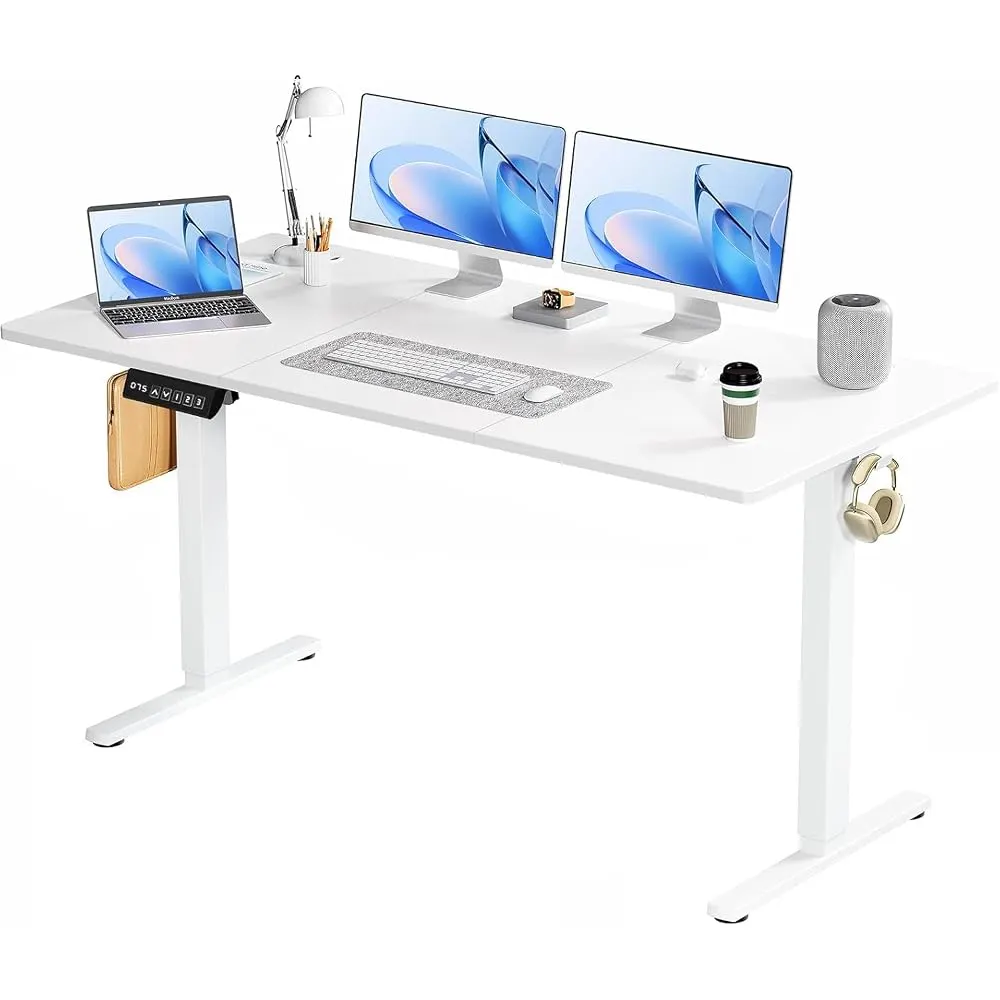
FLEXISPOT EN1 One-Piece Standing Desk
Electric height-adjustable desk with a seamless one-piece desktop and four memory presets for saved sit and stand heights — the straightforward starting point for a first sit-stand setup.
Chairs
You sit in the chair longer than you use any other piece of gear. Fit and adjustability beat styling: a chair that adjusts in five places will suit more bodies than a fixed chair that happens to look right.
- Adjustments: seat height and depth, arm height, lumbar support, and tilt tension — the more that move, the better the fit.
- Sizing: some chairs come in sizes. Check the maker's size guide against your height and weight before ordering.
- Mesh or cushion: mesh breathes in warm rooms; cushions feel softer on day one. Both are fine — pick for your room.
- Casters: match the wheel type to hard floors or carpet so the chair rolls instead of dragging.
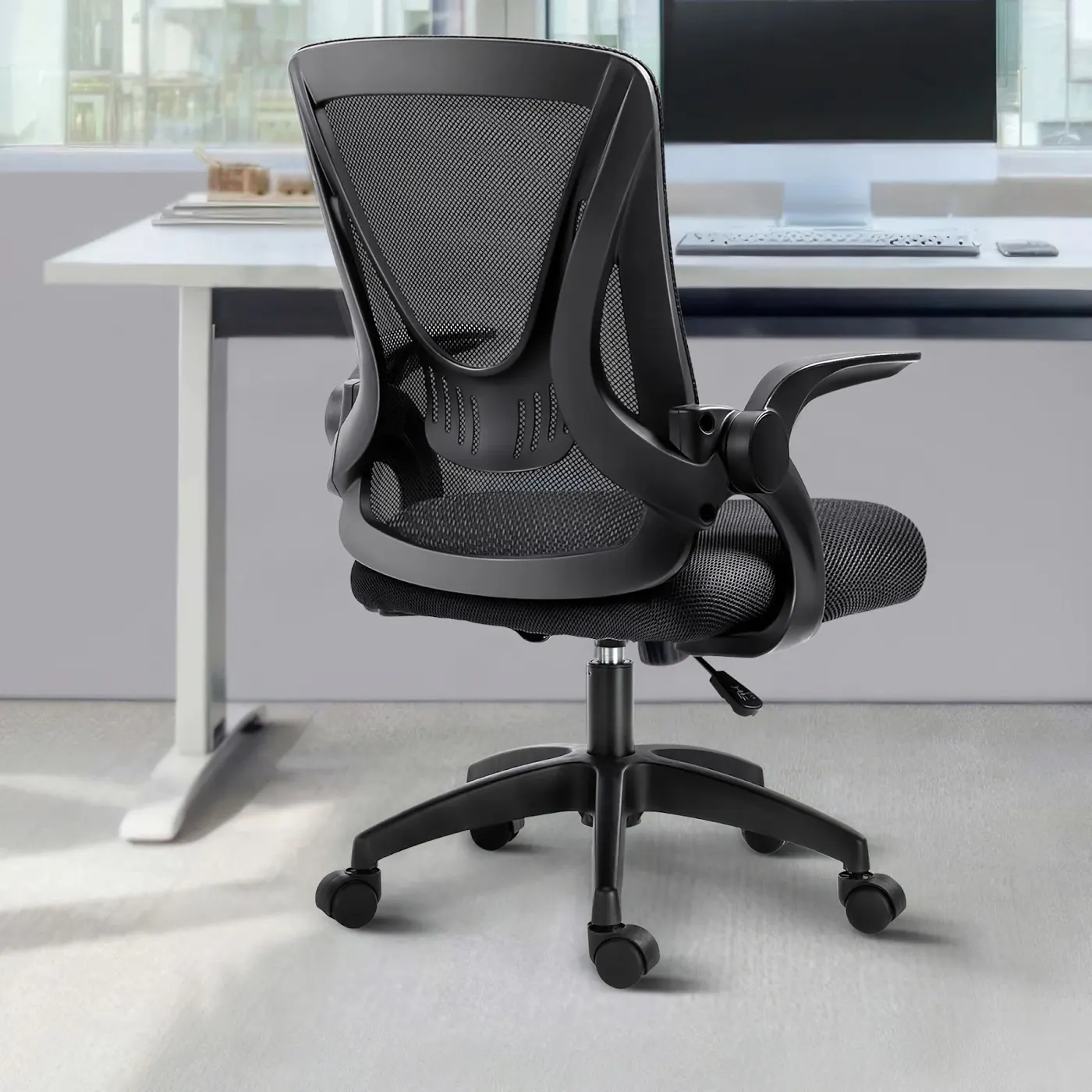
Herman Miller Classic Aeron Chair — Loaded, PostureFit
The long-running Aeron task chair in its fully loaded configuration, with the PostureFit back support system, tension control, and adjustable arms. Sold in sizes — confirm the size on the Amazon page before ordering.
Monitors
Pick the monitor around the work: text-heavy days reward resolution, multi-window work rewards width, and a laptop setup rewards single-cable USB-C. Size and resolution work as a pair — a bigger screen at the same resolution shows the same text, just larger.
- Size and resolution: 27-inch at 1440p or 32-inch at 4K keeps text crisp at a normal viewing distance.
- Ports: USB-C with power delivery lets one cable carry picture and charge a laptop. Count HDMI and DisplayPort inputs if a second machine shares the screen.
- Stand: height adjustment built in, or a VESA mount so you can move the screen to an arm later.
- Panel: IPS panels hold color and brightness when you view the screen off-center — useful for shared screens and wide desks.
Dell 32-Inch 4K UHD Monitor (U3219Q)
A 32-inch screen with 4K UHD (2160p) resolution and USB-C connectivity from Dell's UltraSharp line — room for two documents side by side, with one cable to a laptop.
Monitor stands & arms
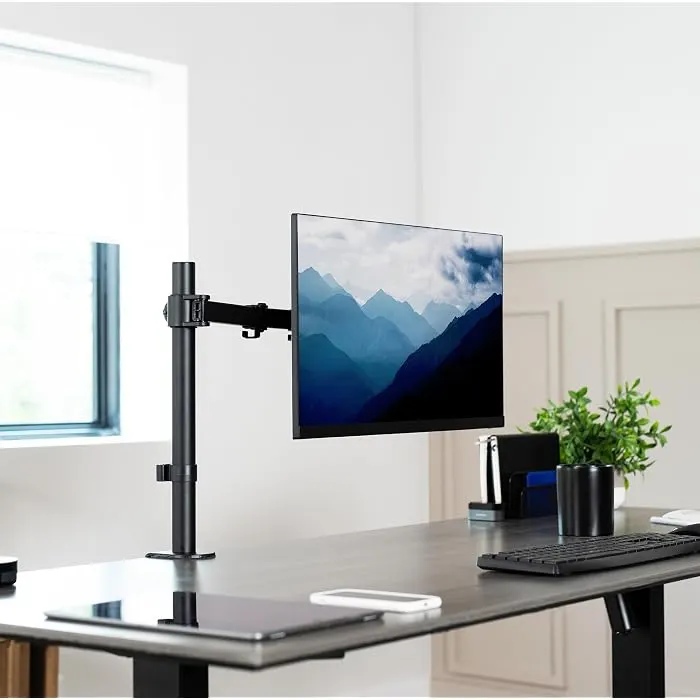
A stand or arm does two jobs: it puts the top of the screen at about eye level, and it clears the desk area the factory stand was sitting on. Arms suit sit-stand desks because the screen can move with you; risers suit fixed desks.
- VESA match: most arms use 75×75mm or 100×100mm patterns. Confirm your monitor has one before ordering.
- Weight range: weigh the monitor without its stand — an arm only balances screens inside its stated range, in both directions.
- Mount type: clamp mounts grip the desk edge; grommet mounts pass through a desk hole. Check your desk's thickness against the clamp range.
- Range of motion: lift height, extension, and tilt decide whether the screen can sit where your chair position needs it.
Ergotron LX Monitor Arm — Single Monitor Desk Mount
A single-monitor desk arm for flat, curved, and ultrawide screens up to 34 inches and 7 to 25 lbs, with VESA 75×75mm or 100×100mm mounting, in polished aluminum.
Keyboards
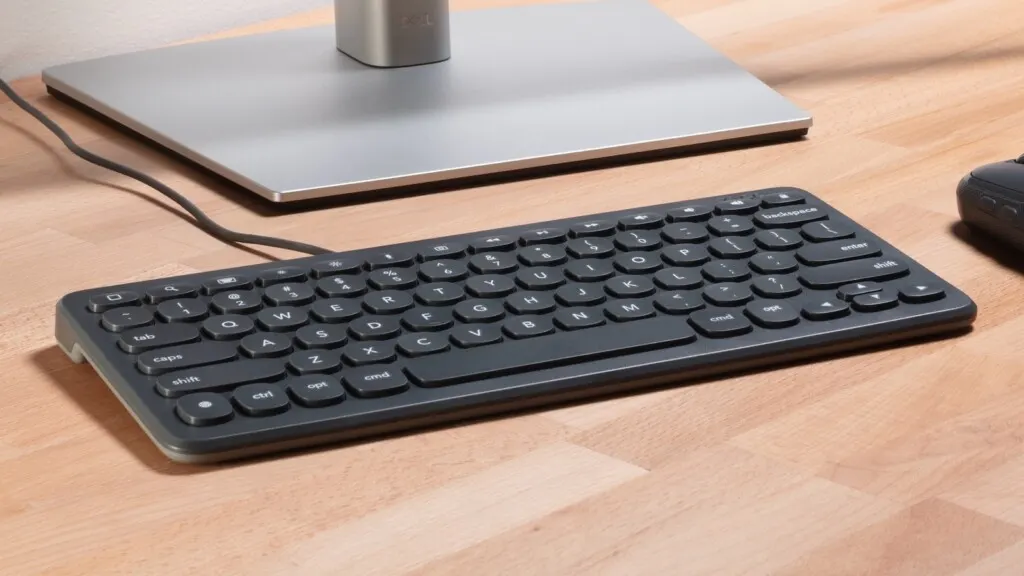
The keyboard is the piece your hands touch all day, and the cheapest one to change later. Start with layout size, then connection, then feel — in that order, because a board that doesn't fit the desk won't get used however it types.
- Layout: full-size keeps the number pad for spreadsheet work; tenkeyless and compact boards free space for the mouse.
- Connection: Bluetooth boards that pair with several devices suit laptop-plus-desktop setups; a USB receiver is the simplest single-machine option.
- Noise: quiet low-profile keys suit shared rooms and calls; mechanical switches suit people who type alone and like the feedback.
- Layout match: check the board is printed for your operating system — Windows and Mac legends differ.
Logitech MX Keys Illuminated Wireless Keyboard — Graphite
A full-size wireless keyboard with backlit keys, Bluetooth and USB-C charging, shaped for fingertip typing across Windows, macOS, and other systems.

Lighting
Desk lighting has one job: light the work surface evenly without shining on the screen or into the camera on calls. A monitor light bar does it from above the screen and takes no desk space; a lamp does it from the side and doubles as room light.
- Format: a light bar mounts on the monitor and aims down at the desk; a lamp needs footprint or a clamp — measure before choosing.
- Adjustments: brightness and color-temperature controls let the same light serve bright mornings and dim evenings.
- Glare path: the beam should land on the desk. Bars designed for monitors angle the light away from the screen.
- Controls you will actually use: a desk dial or wireless controller beats an app for something you adjust twice a day.
BenQ ScreenBar Halo 2 LED Monitor Light Bar
A light bar that mounts on top of the monitor and lights the desk below it, with a wireless controller, backlight, motion sensor, and adjustable brightness and color temperature. Fits curved monitors.

Organization
Organization is mostly a cable problem with a small-items problem on top. Deal with cables first — one under-desk tray for the power strip and adapters clears most of the floor tangle — then give the small things one home each.
- Under-desk tray: clamp-on trays mount without drilling; check the clamp range against your desktop thickness.
- Power strip fit: measure your strip and adapters before choosing a tray or cable box — adapters are the part that never fits.
- Sit-stand slack: on a raising desk, cables need enough length for full height, routed so nothing pulls tight at the top.
- Desktop storage: one tray or drawer unit for pens, drives, and chargers beats several small holders scattered across the desk.
Yecaye Under-Desk Cable Management Tray
An all-metal tray that clamps under the desk with no drilling, using anti-scratch padded clamps, dual wrap bars, and included straps to hold a power strip and its cords off the floor.
Three ways to build the setup
Most desks come together in one of three shapes. Each path lists the categories to shop, in the order they make the biggest difference — every link is a category browse on Amazon, labelled as such.
The focused single-screen desk
One good screen, lit properly, on a desk that fits the room. The simplest complete setup for laptop-based remote work.
- Desk sized to the room
- One 27–32 inch monitor
- Monitor light bar
- Cable tray for the power strip
The two-screen standing desk
A sit-stand frame with two screens on arms, so everything rises together and the surface underneath stays usable.
- Electric standing desk, 60 inches or wider
- Two monitors or one ultrawide
- Monitor arms matched to screen weight
- Under-desk cable tray with slack for full height
The small-space desk
A compact footprint for a bedroom corner or shared room, where every item has to earn its space.
- Compact desk, 40–48 inches wide
- Tenkeyless or compact keyboard
- Monitor arm instead of a stand
- One desktop organizer for small items
How we pick
One verified pick per category, chosen the same way every time.
- Shortlist from desk-gear makers with a track recordEach category starts with established manufacturers and models that have stayed in their lineups — gear with spare parts, manuals, and support behind it.
- Check the listing factsThe pick has to cover the category's basics from its own listing: sizes, connections, weight ranges, and adjustments a buyer can confirm on the page.
- Open the Amazon page, liveA product is only badged “Verified pick” after its Amazon page is opened at build time and loads with the matching product title. The check date is printed on the badge.
- Everything else stays a browseAnything not checked that way is linked as a category browse and labelled as one — never presented as a verified product.
- No prices or ratings on this pageBoth change too often to print honestly, so they are left to Amazon at the moment you click.
FAQ
Straight answers about how this storefront works.
Is Home Office Gear part of Amazon?
No. Home Office Gear is an independent affiliate site. It participates in the Amazon Associates Program and earns from qualifying purchases made through its links. Orders, payment, delivery, and returns are all handled by Amazon.
What does “(paid link)” mean?
It marks an affiliate link. If you buy through it, Home Office Gear may earn a commission from that qualifying purchase. Every shopping link on this page is marked this way.
What makes a pick “verified”?
Its Amazon product page was opened and checked when this page was built, and it loaded with the matching product title. The badge shows the check date. Everything that has not been checked that way is linked as a category browse and labelled “Category browse.”
Why are there no prices or ratings?
Prices and availability change, and ratings move as reviews come in. Rather than print numbers that go stale, this page leaves both to Amazon — open any link to see the current price and availability for that item.
Are the picks hands-on tested?
No. Picks are selected from manufacturer specifications and product listings, then verified as live Amazon pages. They are research picks, not in-person test results, and the page describes them that way.
Where do I check out or return something?
On Amazon. This site has no checkout of its own — every shopping link opens the product or category on Amazon, where purchase, delivery, and returns are handled.